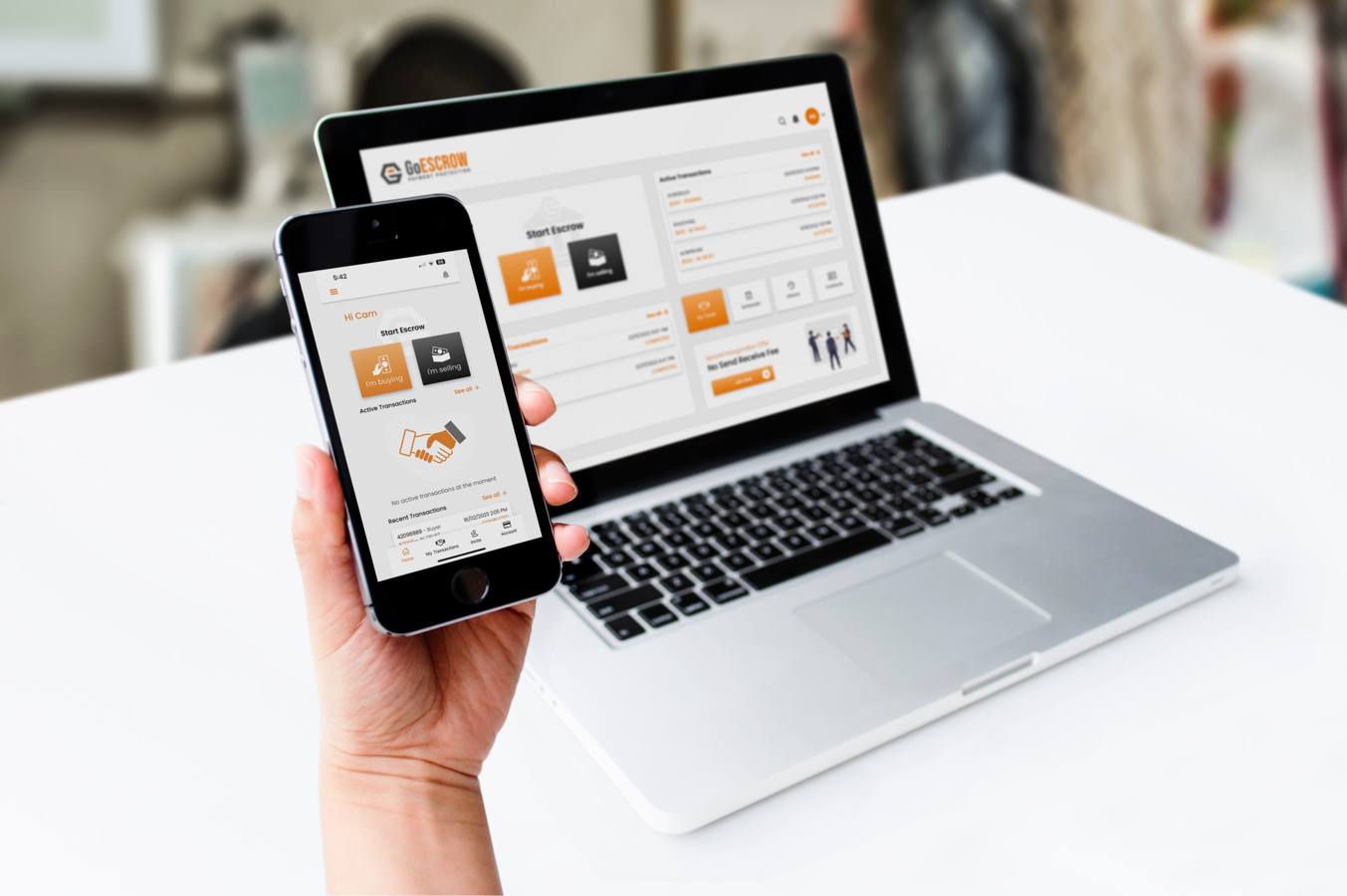

This form establishes an escrow transaction between the Payer/Buyer and the Payee/Seller and can be completed by either party.

The Payer/Buyer is the sender of money and must be an existing GoEscrow user identified by ABN, email or mobile.
If the Payer/Buyer does not have a GoEscrow account please register Individual Account with GoEscrow here or ABN Account with GoEscrow here.
The Payee/Seller is the receiver of money and must be an existing GoEscrow user identified by ABN, email or mobile.
If the Payee/Seller does not have a GoEscrow account please register Individual Account with GoEscrow here or ABN Account with GoEscrow here.
Escrow type notes: Select Anytime Escrow if funds are to be held until settlement is requested. Select Timed Escrow if settlement is intended for a future date/time. Select Milestone Escrow if conditions must be completed before settlement.
Select escrow transaction type:
Anytime Escrow: GoEscrow will hold the amount in escrow until settlement is authorised by the Payer/Buyer. From one Payer to one Payee, trackable in the GoEscrow Payment Protection Apps.
Timed Escrow: Select the settlement date and time. GoEscrow will settle then unless both parties agree to a change or pause. From one Payer to one Payee, trackable in the GoEscrow Payment Protection Apps.
Milestone Escrow: Create a set of conditions that must be met before settlement. From one Payer to one Payee.
Please enter a meaningful transaction description, such as:
Random or unclear text may not be accepted.
Amount notes: Enter either the amount to be paid by the Payer/Buyer or the amount to be received by the Payee/Seller. The fee is calculated by GoEscrow at the time of this quote and is guaranteed if you create this transaction now. It is calculated according to the GoEscrow Terms Of Use agreement, partner arrangements, user settings and escrow type.
Add each condition that must be completed before settlement. Select a template, then write the heading and description in plain language.
This bundle is a starting point. You can edit, remove, reorder or add conditions before creating the transaction.
Are you sure? This is possible, but not common. Usually the party completing the milestone and the party accepting it are different.
File / Document Upload: The responsible party will be asked to upload supporting documents before the nominated party can accept this condition.
Photos Upload: The responsible party will be asked to upload photos before the nominated party can accept this condition.
This condition can only complete at or after this date/time, and only if all prerequisite conditions are met.
The tracking number may be added later in the escrow portal if it is not available at setup.
Choose how this milestone will work with DocuSign. This is a powerful and useful milestone. Speak with GoEscrow Customer Service for guidance.
The responsible party will see Connect DocuSign and Envelope ID actions in their portal. The other party sees read-only progress.
The partner/admin manages the DocuSign account and Envelope ID. Payer/Payee portals will not ask either party to connect DocuSign.
The responsible party will see a signed evidence upload action. The condition should normally move to admin review after upload.
I authorise GoEscrow Pty Ltd ACN 650 709 354 to create an escrow transaction. I understand that the Escrow Management Fee will be added to the funding total amount requested from the Payer/Buyer and that settlement to the Payee/Seller will occur according to the selected escrow type, unless a dispute, local lock or GoEscrow operational hold applies. I have read, understood and agree to the Terms Of Use and have read and understood the Product Disclosure Statement and Financial Services Guide.
This Create Transaction request is made on behalf of: